The Questions Native Analytics Cannot Answer
Not obscure questions. These are the ones a finance or merchandising lead asks in a normal month.
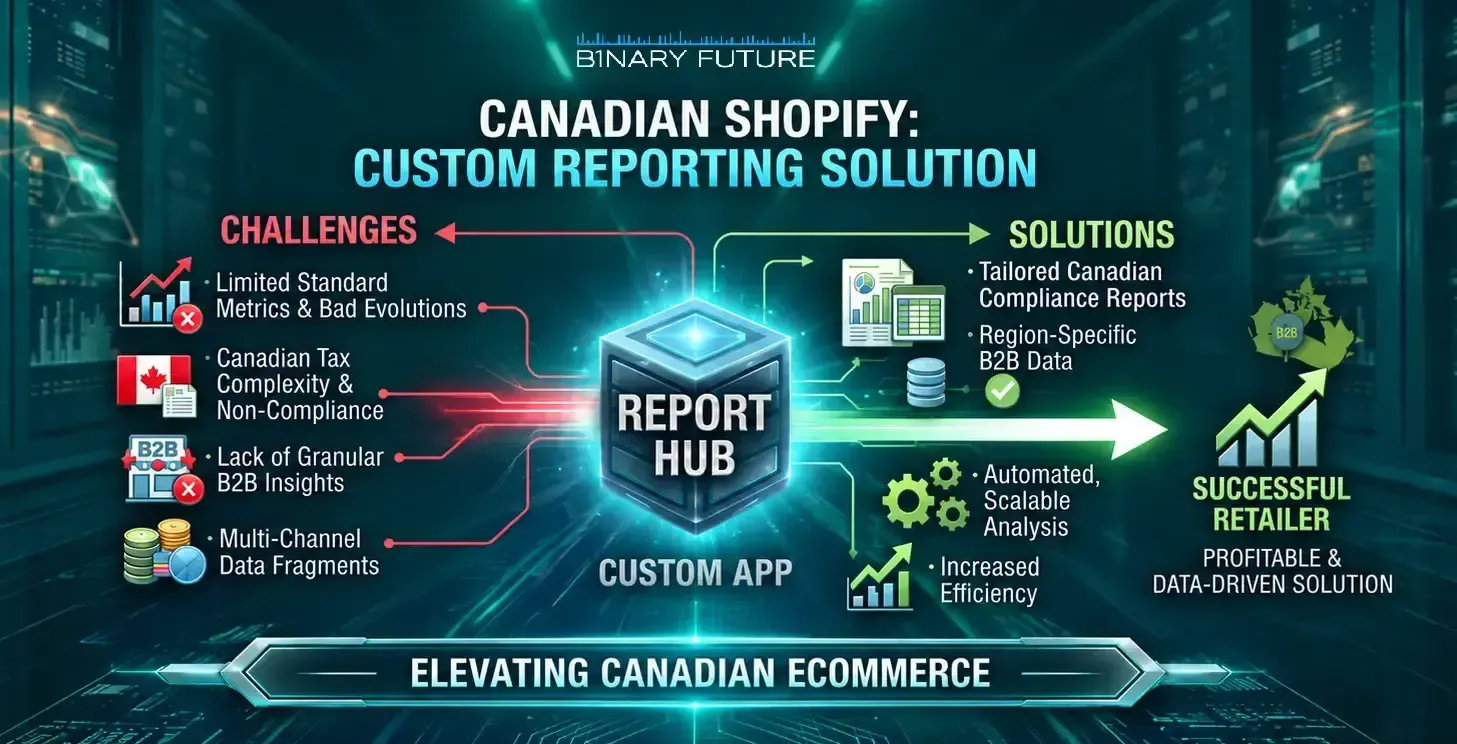
- Margin by SKU after returns. Cost, discount, shipping, and returns live in different places, and native reporting does not net them into one number per SKU.
- Anything held in a metafield. Native ShopifyQL cannot query metafields, so supplier, material, collection tier, or any custom attribute is invisible to it.
- Blended performance. Joining Shopify orders to ad spend or email engagement is outside the native model, so return on ad spend gets rebuilt by hand.
- One number across two stores. Each store, including a Plus expansion store, reports on itself. There is no native consolidated view.
If your team answers these with an export and a spreadsheet every month, that spreadsheet is your reporting layer, with no owner and no tests.
Four Levels, and Where Each One Stops
Move up one level at a time. Skipping to a warehouse because the dashboard annoyed someone is the most common overspend here.
| Level | What it answers | Where it stops |
| Native reports, Advanced and above | Standard sales, product, and customer questions | Metafields, joins, and anything outside one store |
| ShopifyQL notebooks, Plus only | Ad hoc queries against Shopify data | Ad platforms, email tools, and second stores |
| A custom reporting app | Your metrics, your definitions, inside the admin | Deep historical analysis and heavy modelling |
| A warehouse such as BigQuery | Everything joined, unlimited history | Cost, and needing somebody to own the models |
Level three is underrated. A reporting app puts your definitions where the team already works, which usually matters more than query power at mid market scale.
What Canadian Multi-Store Brands Need on Top
Four requirements that turn a generic reporting project into a Canadian one.
- CAD and USD consolidation. A single revenue number across currencies needs a stated conversion rule: transaction date, month end, or the payout rate. Pick one and write it down first.
- Tax broken out for filing. GST, HST, and PST collected by province, separated from revenue, in a form your accountant can reconcile without exporting orders.
- Landed cost across the border. If stock moves between Canadian and United States warehouses, duty and brokerage belong in cost of goods, not a shipping line.
- Returns by province. Return rates vary by region and route, and provincial detail is what turns a returns number into a decision.
The first one causes the most arguments. Two teams reporting the same month at different exchange rates is a definition problem, not a data problem.
How to Tell Which Level You Are On
Five checks, and the answer is usually clear by the third.
- Count the monthly exports. If more than three people export the same data every month, you are past level one.
- Find the definitions. Ask two people how margin is calculated. Different answers mean the metric needs a home, which is a reporting app.
- Check your plan. Custom reports open on Advanced, and ShopifyQL notebooks are Plus. That determines how far the native route can take you.
- Count the systems. One store and no external data means native is probably enough. Two stores, or Shopify plus an ERP, points at a warehouse.
- Ask how far back you look. If nobody analyses more than a rolling year, you do not need a warehouse yet.
Check two is the one worth acting on: a shared definition is cheap now and expensive to retrofit across three years of reports.
Working with Binary Future on Reporting
Binary Future is a Shopify Plus Partner agency in Toronto. We start by writing down the definitions rather than building a dashboard, because reporting projects fail on disagreement about what a number means, not on technology.
From there we choose the smallest level that answers the question: a report, an app, or a pipeline, with currency and tax rules written into the specification rather than discovered in review.
See our Shopify ERP and CRM integrations and custom Shopify app development for how we build reporting layers.