Why Brands Are Leaving WooCommerce: A Quick Analysis
WooCommerce is a serious platform with a large and improving ecosystem, and merchants who move usually do so for the same reason rather than because it stopped working.
The direction of travel is measurable. StoreLeads reports roughly 4.09 million live WooCommerce stores, down 3.1 percent quarter over quarter and 8 percent year over year in the second quarter of 2026, with the platform losing more merchants to competitors over the last ninety days than it gained from them (StoreLeads). That is consolidation rather than collapse, but it is the pattern worth understanding before deciding either way.
Stability and page speed
WooCommerce performance is a function of your hosting, your theme, and your plugin count. Stores running more than ten plugins commonly develop speed problems, and each plugin is an independent update cycle. On Shopify the infrastructure is managed, which removes both the tuning work and the ability to tune.
Judge the outcome by field data rather than by a lab score. Google grades page experience on real Chrome users at the 75th percentile: LCP under 2.5 seconds, INP under 200 milliseconds, CLS under 0.1, all three at once (Google Search Central). A well-hosted WooCommerce store can pass. An unmaintained one usually cannot, and neither result is about the platform itself.
Security and the maintenance surface
This is the honest version of the security argument. WooCommerce core is not the weak point. The consistent pattern across the ecosystem is that breaches trace to outdated plugins, and the first half of 2026 produced the usual crop of examples, including a critical payments plugin vulnerability and card skimmers injected through compromised extensions.
What that means for a merchant is a standing obligation: watch advisories, apply updates, test compatibility, and keep backups you have actually restored. On Shopify, PCI compliance, hosting, and certificate management move to the platform. You give up control in exchange for giving up the obligation. Whether that is a good trade depends entirely on whether your team currently does the work, which is also the argument for ongoing Shopify maintenance and support once you arrive, because a hosted platform removes the server work and not the operational work.
Where the payment argument actually lands
Merchants often cite WooCommerce’s lack of a platform transaction fee. That is true and it is not the whole picture. Standard processing through WooPayments or Stripe runs around 2.9 percent plus 30 cents for domestic cards in 2026, and Shopify’s entry plan sits in the same range, with lower rates on higher tiers. Activating Shopify Payments removes the additional platform fee entirely. Calculate both against your own volume rather than accepting either headline.
Phase 1: Planning and data preparation
The foundation. Mistakes here surface as budget overruns and missing customer records.
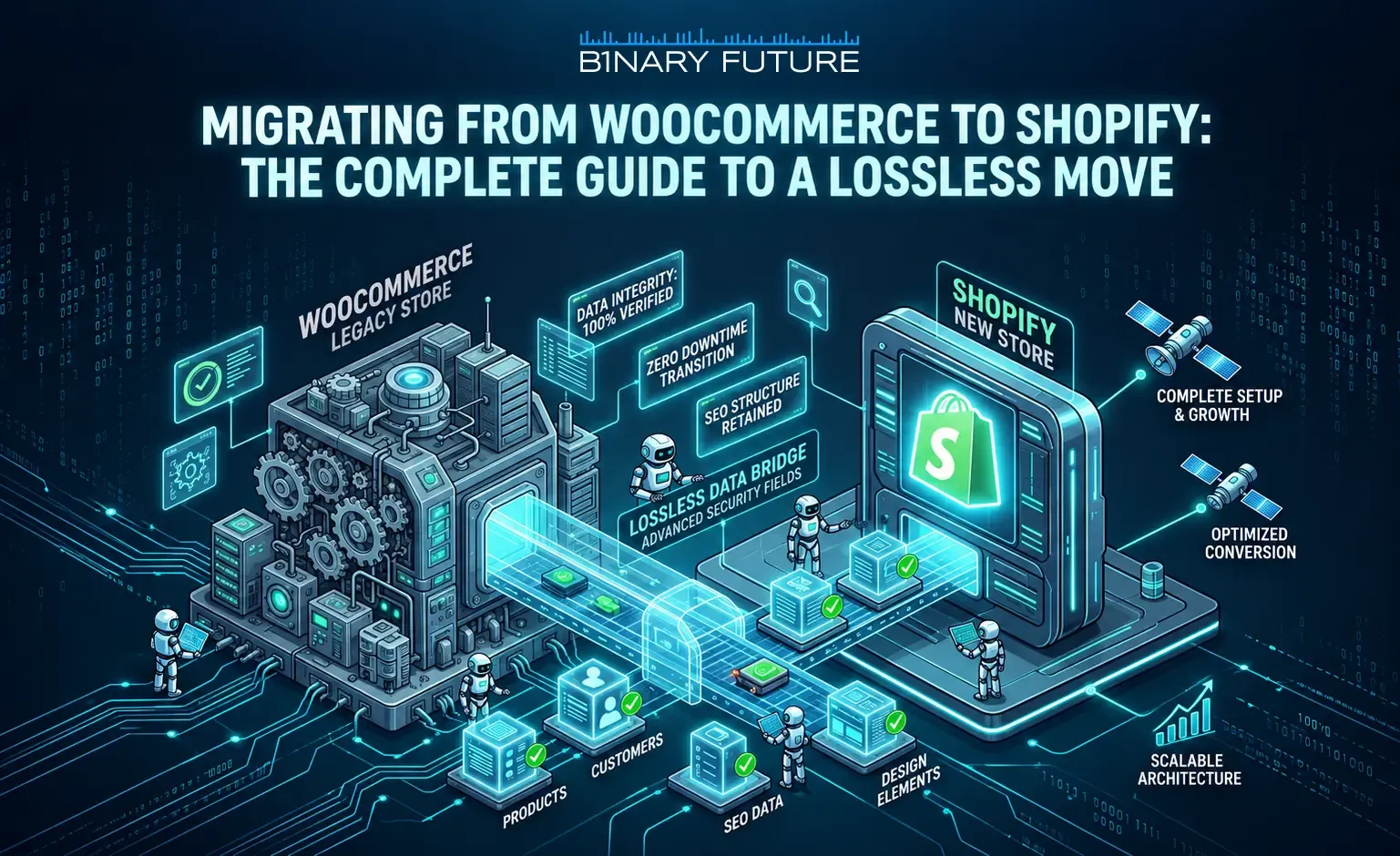
Comprehensive audit and backup
- Products and options. Shopify allows three options per product. If your WooCommerce catalogue uses four or five attributes, restructuring is a conversation to have before the move. Variant count is rarely the issue, since Shopify raised the ceiling to 2,048 per product in October 2025.
- Customer data and order history. Your most valuable asset and the one customers notice if it goes missing.
- Content and reviews. Social proof that took years to accumulate and cannot be recreated.
- Plugin inventory with a decision on each. Which functions you actually still use, which Shopify does natively, and which need a replacement. This list is usually shorter than people expect and it directly reduces the migration budget.
- Verified backups of files and database, restored once to confirm they restore.
SEO position protection and redirect strategy
WordPress and Shopify URL structures differ fundamentally, so a detailed redirect map is mandatory. One correction to guidance that still circulates: claims that a 301 preserves ninety or ninety-nine percent of SEO value are pre-2016 speculation. Google’s documentation states that permanent redirects do not cause a loss in PageRank (Google Search Central).
The risk is the redirect that does not exist. Build the map from a full crawl of the live site rather than its sitemap, because WooCommerce stores accumulate indexed URLs from plugins, archives, and old permalink structures that no sitemap lists. Map one hop, no chains, and benchmark rankings before the move.
Deciding the customer account model
Passwords do not migrate, so plan an account reactivation campaign. New for 2026: legacy customer accounts were deprecated on February 26, 2026, which makes the account model a decision to take before the import runs rather than after (Shopify changelog).
Phase 2: Technical migration process
Import steps and system setup
- Choose the method deliberately. The native Shopify Store Migration app for WooCommerce, CSV import, or a partner running the process through the API. Data volume and the amount of custom logic coming with you decide which.
- Tax and shipping. Shopify calculates most taxes by region automatically. Shipping zones, rates, and carrier integrations are manual configuration against your real operational rules, including GST, HST, PST, and QST for Canadian buyers.
- Payments. Activating Shopify Payments avoids the additional transaction fee and enables Shop Pay.
- Custom logic. Anything you plan to recreate from WooCommerce hooks or plugins that changes pricing or shipping has to be built on Shopify Functions. Shopify Scripts stopped executing on June 30, 2026, so nothing in that category transfers from any source.
Source on the Scripts date: Shopify developer documentation. The full pre-move sequence is in our Shopify migration checklist.
Testing and verifying data integrity
- Options and stock. Prices and remaining inventory displaying correctly for every colour and size, especially on products near the three-option limit.
- Images and metadata. Descriptions, alt tags, and image quality preserved. WooCommerce media libraries are frequently messier than expected, and this is where it shows.
- Order processing end to end. Follow the customer journey from home page to successful payment, on a phone on a throttled connection rather than office wifi.
- Redirects sampled from the long tail, because that is where WooCommerce stores lose the most and where spot checks miss it.
Phase 3: Post-launch optimization and growth
Updating SEO tools and communicating with your customer base
Submit the new sitemap to Google Search Console immediately and monitor daily for the first two weeks. Expect ranking fluctuation during recrawl, which Google describes as normal. Email your customers explaining the move, prompting account reactivation since passwords did not transfer, and offering something on the first order on the new site.
Analysis and continuous improvement
Track Core Web Vitals field data, conversion rate, and average order value against the baseline captured before the move. Judge over at least a quarter, because a shorter window measures the recrawl rather than the migration.
Product data for AI channels
Cheap, new, and rarely scheduled. Eligible Shopify products are syndicated to ChatGPT, Copilot, and the Shop app by default, and that runs on catalogue completeness rather than on your theme. A migration is the natural moment to fix thin titles and missing specifications, because every product record is already being touched.
From Theory to Implementation
Moving off WooCommerce is a decision about who carries the maintenance surface, not about which platform is better. If your team already runs updates, monitors advisories, and tunes hosting well, WooCommerce is a reasonable place to stay. If that work is not happening, the risk compounds quietly and the migration argument is really an operations argument. Binary Future scopes and runs the move as Shopify migration services, with costs broken down in our migration cost guide, timelines in the migration timeline, and the plan question in Shopify Plus vs Shopify. Enterprise requirements sit in Shopify Plus development.