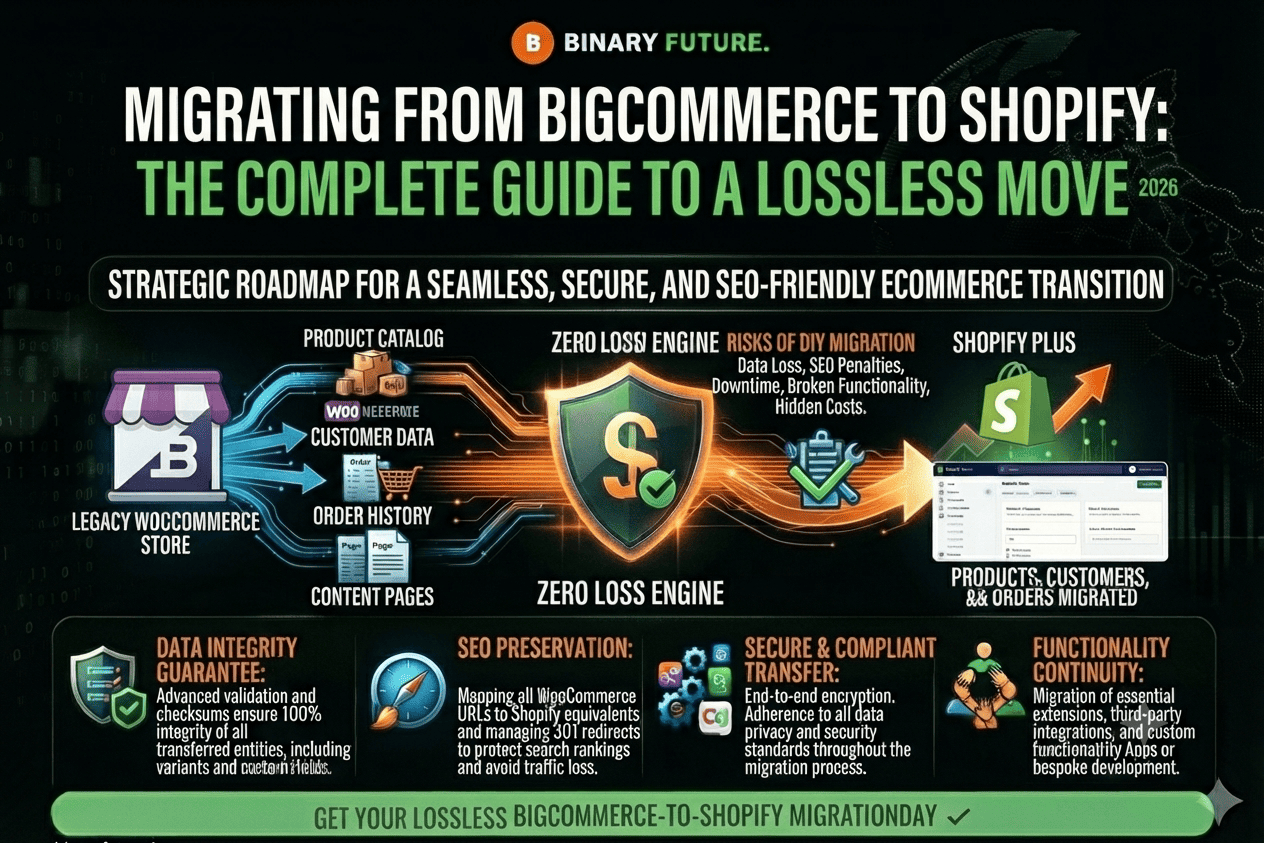
BigCommerce to Shopify Migration
The decision to move your business from BigCommerce to Shopify is a strategic move for brands seeking greater marketing flexibility and access to the world’s best app ecosystem. At Binary Future, we view migration not just as a database transfer, but as an opportunity to upgrade your customer experience (UX) and increase conversions. Statistics show that switching to Shopify reduces development costs by 20-30% thanks to the platform’s intuitive architecture.
In this article, we will analyze the step-by-step migration algorithm, technical challenges, and ways to protect your SEO capital when changing platforms.
Why Brands Choose Shopify: A Quick Look
While BigCommerce is a powerful platform, many companies feel limited in the speed at which they can implement new features. Shopify offers an ecosystem where any business idea—from complex loyalty programs to AI personalization—can be implemented in days, not months.
Scalability and ease of use
Shopify is known for its “clean” interface, which allows the marketing team to manage content without bringing in developers for every change. This frees up resources for strategic growth. In addition, Shopify Plus infrastructure in 2026 demonstrates the highest stability rates during peak loads (Black Friday and Cyber Monday).
Technology stack and innovation
With over 30% of the global e-commerce market share, Shopify attracts the best software developers. This means you’re the first to get access to AI tools for sales automation and demand forecasting. Migration is your chance to get rid of legacy solutions and build a modern technology stack.
Phase 1: Planning and data preparation
This is the foundation of your move. Mistakes at this stage can lead to budget overruns and loss of important customer information.
Comprehensive audit and backup
Before you begin importing, you need to review your existing data in BigCommerce. You need to export:
- Products and Variants: Given that Shopify has a limit of 3 options per product (e.g. Size, Color, Material), some complex products may need restructuring.
- Customer data and order history: This is your most valuable asset for LTV (customer lifetime value).
- Content and reviews: social proof that directly impacts conversion.
Be sure to create backup copies of all CSV files before starting any manipulations.
SEO Position Protection and Redirect Strategy
Migration is a high-risk area for your organic traffic. URL structures in BigCommerce and Shopify are significantly different. It is necessary to create a detailed 301 redirect map so that Google does not “lose” your pages. Setting up redirects correctly preserves up to 99% of your SEO value and prevents 404 errors.
Phase 2: Technical migration process
Once the plan is ready, it’s time to move on to implementation in the Shopify admin.
Import and setup steps
Choosing a migration method: You can use the native Shopify Store Migration app, use third-party automation services (like Matrixify), or hire a certified Shopify partner to take full control of the process.
Tax and shipping settings: Shopify automatically calculates most taxes based on the customer’s region, but shipping logic (zones, rates, dimensions) must be manually configured according to your business processes.
Payment Gateways: Activating Shopify Payments allows you to avoid additional transaction fees and gives customers access to Shop Pay, the fastest checkout on the market.
Testing and checking common errors
After importing, it is important to check:
- Variant integrity: Are all sizes and colors displayed correctly?
- Image: Is the high resolution maintained after transfer?
- Checkout functionality: Follow the customer journey from adding to cart to successful payment across devices.
Phase 3: Post-launch optimization and growth
Launch is just the beginning. Now it’s your turn to unlock the full benefits of your new platform.
SEO tool updates and communication
Immediately after transferring your domain, submit a new sitemap.xml file to Google Search Console. This will speed up indexing of new pages. Notify your loyal customers about the move: send an email campaign asking them to reactivate their accounts (passwords are not migrated for security reasons) and offer a bonus for the first order on the new site.
Analysis and continuous improvement
Shopify provides powerful built-in analytics. Track site speed (Core Web Vitals), conversion rate, and average checkout. Use this data to A/B test themes and customize personalized offers through retention marketing apps.
BigCommerce to Shopify migration: From theory to implementation
Migrating from BigCommerce to Shopify is an investment in the future flexibility of your business. While the process requires meticulous attention to technical details (especially SEO and product variants), the result is a stable and user-friendly platform that will pay off in the first few months of operation.
The key to a successful migration is combining automated tools with professional verification at every step. By protecting your data and SEO capital, you turn the migration into a powerful boost for your brand growth in 2026. Binary Future will help make this transition seamless, turning a technical challenge into your competitive advantage.
Ready for a seamless transition to Shopify?
Order a free migration audit from our experts.